How to Add SIPP Tax Relief in the Pie App
If you’ve made contributions to your SIPP (Self-Invested Personal Pension), you can easily record the associated tax relief in the Pie app. Adding this ensures your tax calculation reflects the additional 20% basic rate relief correctly.
Below is a simple step-by-step guide to adding your SIPP tax relief inside the app.
Why Add SIPP Tax Relief?
When you contribute to a SIPP, your pension provider usually claims basic rate tax relief (20%) on your behalf.
For example:
If you contribute £170 (net), your pension provider claims £42.50, making the total gross contribution £212.50.
Recording this in Pie ensures:
- Your tax position is accurate
- Your higher-rate relief (if applicable) is calculated correctly
- Your tax overview reflects the correct gross pension contribution
Step-by-Step: Add SIPP Tax Relief in Pie
Follow these simple steps inside the app.
Open the Pie app and tap Quick Add from the bottom navigation bar. This is where you can manually add income, expenses, mileage, and tax reliefs. and Go to Quick Add

Inside Quick Add, there are 4-6 options, there select Add income.Tap Add income

BYou’ll see multiple income types, including: Tap Tax reliefs.Select Tax reliefs

From the tax relief options, select: Personal Pension contributions This is the correct category for SIPP pension tax relief.Choose Pension contribution

Complete the required fields:Enter Your Contribution Details

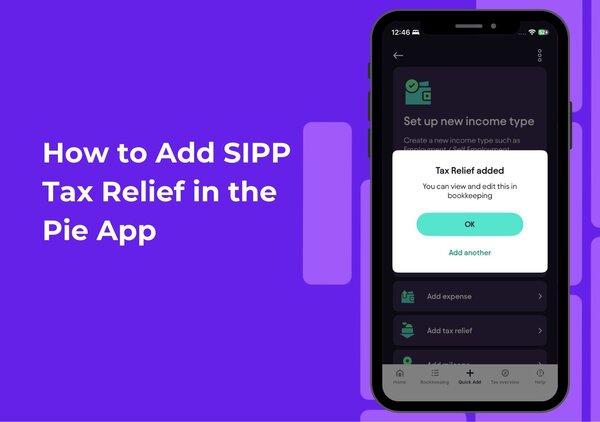
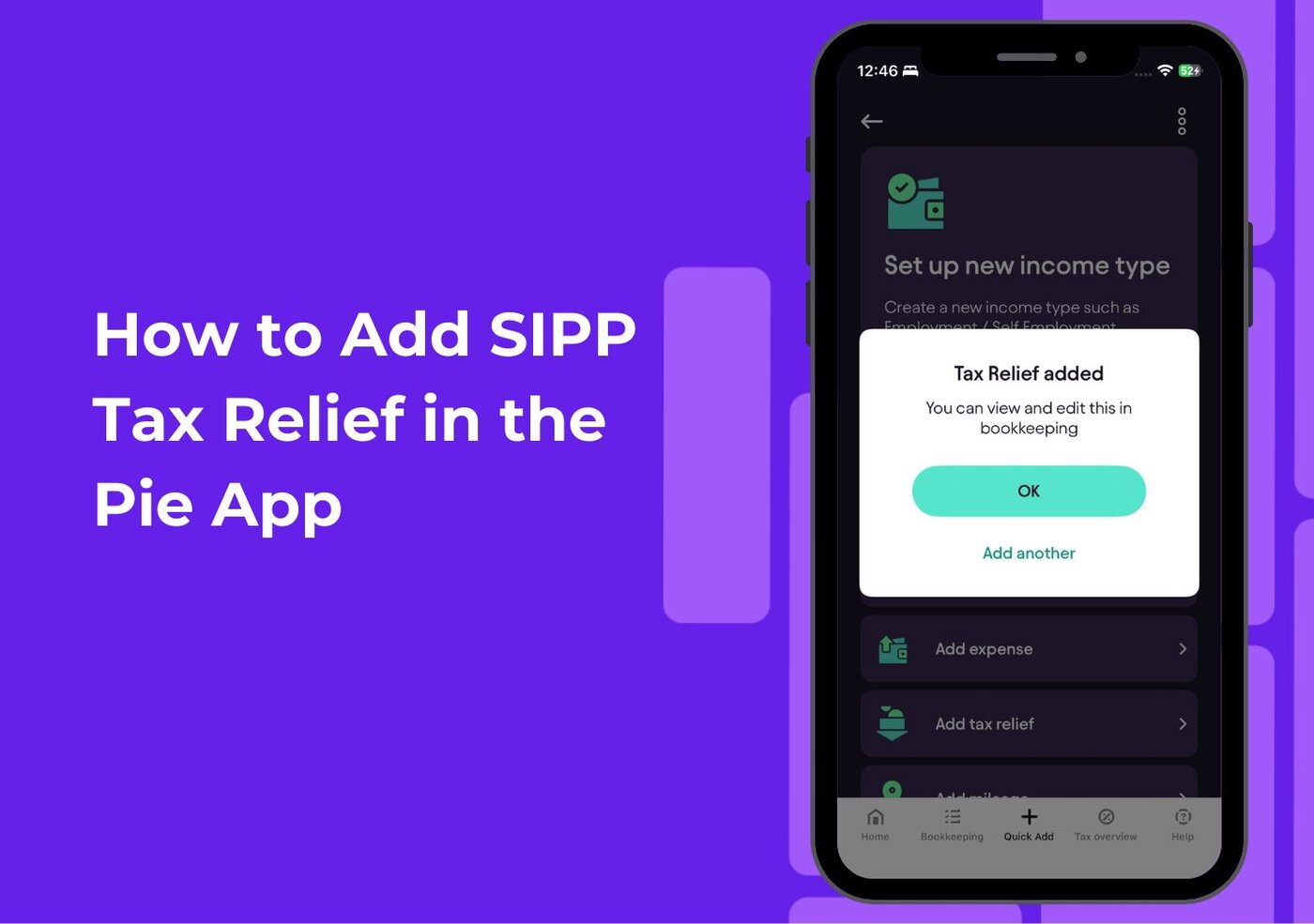
Once everything is completed, tap Finish. You’ll see confirmation that your tax relief has been added. You can view and edit this entry anytime in Bookkeeping..Tap Finish

That’s It Your SIPP Tax Relief Is Added
Your pension contribution is now properly recorded in Pie.
This ensures:
- Accurate tax calculations
- Correct higher-rate relief adjustments
- Proper annual reporting
If you make multiple SIPP contributions during the tax year, simply repeat these steps to add each one.
Simple Steps to Add Property Income
Follow these quick steps to add your property income in the Pie App: