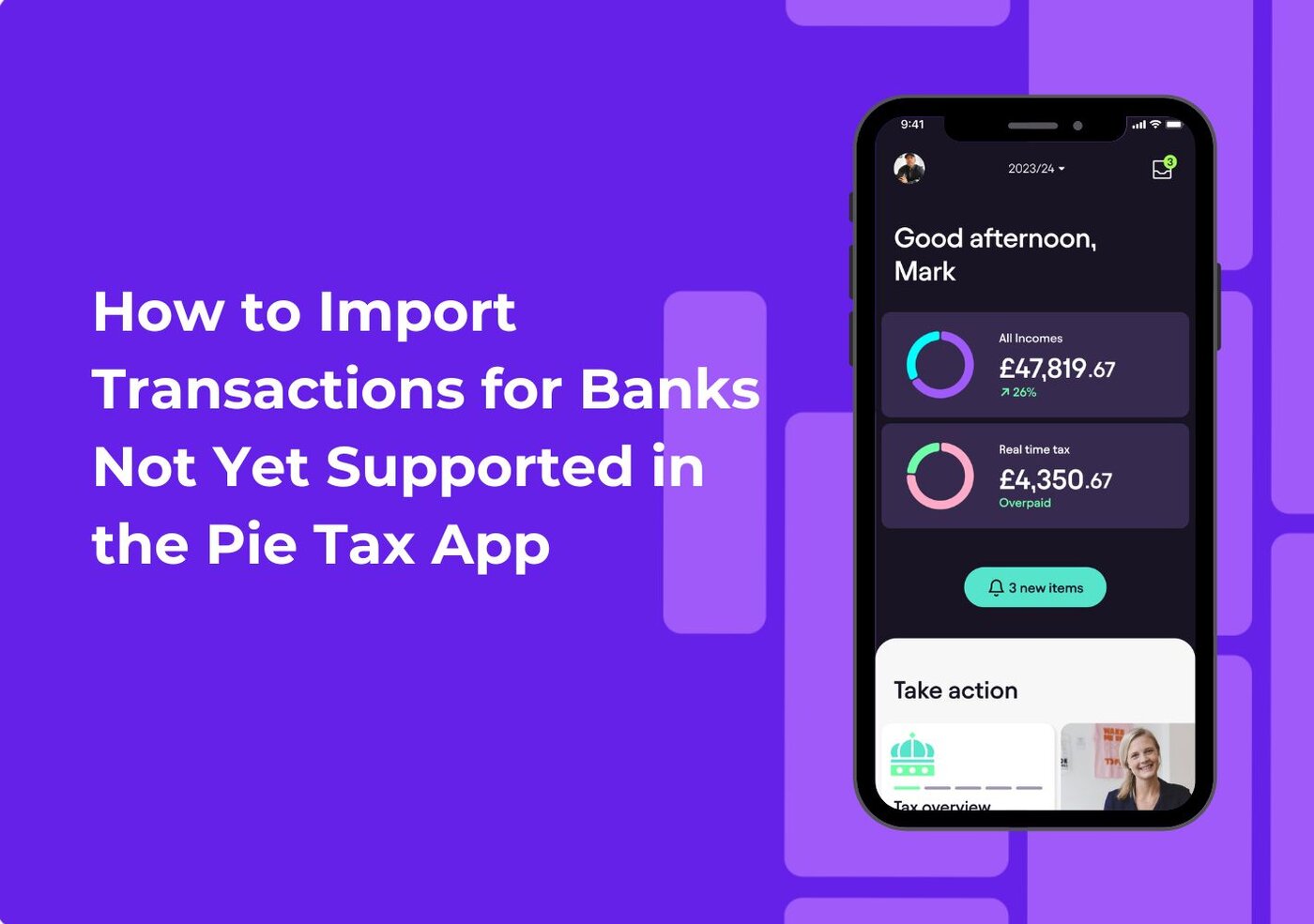
How to Import Transactions for Banks Not Yet Supported in the Pie Tax App

How to Import Transactions for Banks Not Yet Supported in the Pie Tax App
Charlotte Baroukh

Charlotte Baroukh

Tax Expert @ Pie

2 min read

Updated: 1 Dec 2025

2 min read

Updated: 1 Dec 2025

How to Import Transactions for Banks Not Yet Supported in the Pie Tax App


Here is a step-by-step guide to follow and navigate the new feature:

icon

Open the Pie Tax App

Head to the chat section, and upload your transaction file directly to our support team so we can process your data quickly and accurately.

icon

Upload your bank transactions

Download your transactions as a CSV or PDF from online banking, then head to Pie’s chat support and use “Browse files” to upload them

icon

Once your file is uploaded

Pie processes it for you. Your bookkeeping will update automatically within 24 hours, keeping your tax records accurate without any manual data entry.


Conclusion

Even if your bank isn’t supported yet, keeping your bookkeeping accurate in the Pie Tax App is quick and easy. By downloading your transactions and uploading them through chat, you’ll stay organised, informed, and firmly in control of your tax life. We’ll handle the heavy lifting so you can focus on what matters most: your work, your finances, and your future.

Want to get smarter about taxes?

The Tax Pible has tax tips, guides, video tutorials, and expert insights.


Stay up to date with the latest tax news and watch the UKs first tax podcast - the Piecast

Want to get smarter about taxes?

File your Self Assessment - For FREE

Manage your self-assessment in one, easy to use App

  • Save money, time and effort with Pie

  • Add multiple incomes and view your tax in ‘Real Time’

  • File directly to HMRC - for FREE

File your self assessment - for Free

The Free Self Assessment App.

logologo
Want regular updates from us?

Want regular updates from us?

Sign up for regular tax tips and news sent straight to your inbox.

Whatsapp Pie Tax